Hooked: How MOPy Fish Stalks Your Printer
MOPy Fish paid out points for printing. GETPOINT.EXE patched Windows' GDI so every print job ran through it, with unintended side effects.
November 26, 2026
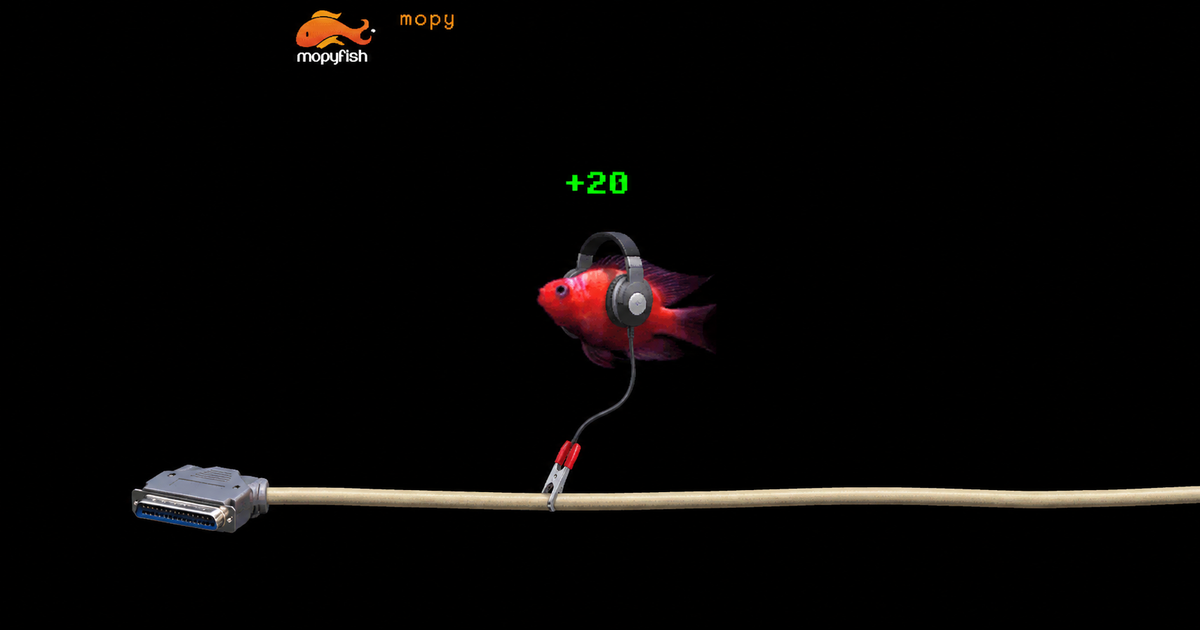
MOPy Fish was a free screensaver pet released by HP in 1997 to encourage people to use the "Multiple Original Printouts" function of their printers - printing multiple copies instead of taking a single print to the photocopier.
The help text isn't exactly subtle about it either:
"The only thing as sharp as an original printout is another original printout. So why not have an original for everybody, every time?"
Printing multiple copies would reward you with MOPy points, which would unlock new things in your fish tank: a rock and plant, air bubbles, a thermometer, and eventually "aphrodisiac fish food". The help text says you earn points "every time you send a document to print multiple originals" and that "if you print/MOPy in colour you earn double points".
So your pet fish was counting your print jobs somehow. When I took apart the MOPy Fish program to rebuild it for the web, I got a chance to look at how the fish manages to stalk your printer. Everything below comes from analyzing the code of version 1.9a without running it.
Contents
The fish doesn't do it
The fish program itself, MOPYPLAY.EXE, never touches a printer. The printer work is done by two other files the installer quietly adds: GETPOINT.EXE ("MOPy Points Collection 16/32") and its helper HOOK1632.DLL ("MOPy Points hooks").
Hooked, literally
HOOK1632.DLL is a small, general-purpose code-patching library. Given a function, it:
- locks the function's code segment in memory (
GlobalFix); - creates a writable alias of that code (
AllocCStoDSAlias); - saves the function's first five bytes, and
- overwrites them with
EA xx xx xx xx, an x86 far jump into the hook.
GETPOINT uses it on five functions inside Windows' own graphics library, GDI: CreateDC, ResetDC, Escape, EndDoc and DeleteDC. In 16-bit Windows every program shares the same GDI code, so after the patch every 16-bit program that prints gets routed through GETPOINT first. Each replacement function puts the original five bytes back, calls the real GDI function, then patches it again on the way out.
The "16/32" in the name probably refers to Windows 95, where many 32-bit GDI calls were thunked down to the 16-bit GDI. I haven't verified that this applies to printing, which would need Windows 95's own system files. On Windows NT, the hook could only have seen 16-bit programs.
So if you printed from 32-bit software on Windows NT, 2000, XP or anything newer, the fish almost certainly never saw the job, and you never got the points.
How GETPOINT awards points
When a program sets up a print job, GETPOINT reads the job's print settings (the DEVMODE structure) and keeps two marks per printer handle:
- multi-copy: copies greater than 1, or a later
SETCOPYCOUNTescape asking for more than 1; - color: the color setting is "color", or the printer's name starts with
HP DeskJet 1600C.
When the print job is completed (EndDoc, or the older Escape(ENDDOC)), it pays out:
| Print job | Points |
|---|---|
| One black-and-white copy | 0 |
| Several black-and-white copies | +20 |
| Color, any number of copies | +40 |
| Anything on a printer named "HP DeskJet 1600C..." | +40 |
To award points it opens the fish's save file, brain.dat, adds 20 to the first four bytes and writes the file back. The fish doesn't need to be running.
Quirks in how points are awarded
The color bonus never looks at the page. GETPOINT checks only the job's color setting, so one copy of a black-and-white page earns 40 points, as long as the printer setting is set to "color". Color printers usually default to color, so in practice the bonus was for owning a color printer. Set the same job to black and white in the printer settings, and it earns nothing.
One HP model is hardcoded by name. Every job on a printer whose name starts with "HP DeskJet 1600C" counts as color, so even a single black-and-white page earns 40 points there. The name check is case-sensitive and matches only the first 16 characters, so any printer whose name merely starts with "HP DeskJet 1600C" also qualifies.
Double points are two separate payments. For a color job, including one on the hardcoded HP model, GETPOINT runs the whole routine twice: open brain.dat, add 20, write it back, then open, add 20 and write again.
Starting quietly, crashing expectedly
The installer puts GETPOINT in the Windows StartUp group, so it runs at every boot. Its only window is a 10×10-pixel popup created at screen position (−1000, −1000): technically "shown", but off-screen and at the bottom of the window stack.
The file also contains a small dialog with a list box and buttons labeled "Clear List" and "Exit". It never appears: GETPOINT doesn't even import the Windows functions that open dialogs. My guess is a leftover debug view of collected jobs.
Before installing its hooks, GETPOINT also silently gets a connection to the default printer (a PrintDlg call with the "return default, return DC" flags, so no dialog appears). It then opens a connection to every printer listed in WIN.INI, and keeps them all open until it exits. Nothing ever uses them. Perhaps they kept the printer drivers loaded; the code doesn't say.
It also expected to crash Windows now and then. At startup it creates a marker file, exit.dat, and deletes it on a clean exit. If the marker is still there on the next boot, you get this:
"Windows was not properly shut down, Your MOPy points collection has been disabled. Do you wish to reinstate it?"
Unintended side effects
Reading the hook code turned up a few things that were probably not intended.
It changes the program that's printing. Every hook starts by calling SetErrorMode(3) and never restores the old setting. The hook runs inside the program that is printing, so the change sticks to that program until you close it. Print once from your word processor, and from then on it stops showing two kinds of error messages:
- When a disk can't be read, for example with no floppy in drive A:, Windows no longer asks you to retry. The save or open just fails.
- When the program crashes, Windows no longer shows the "general protection fault" message. The program may simply vanish.
Failed jobs still count. The result of the real EndDoc is stored and never checked. A job that fails at the end still earns points.
Print jobs can cancel each other. The multi-copy marks live in a 64 KB table, one byte per printer handle. Whenever any job finishes, GETPOINT clears 65,000 entries of it, not just the finished job's. If two programs are printing, the first to finish wipes the other's multi-copy mark, and GETPOINT awards no points for the second job.
A canceled shutdown turns it off. When Windows asks programs whether it may shut down, GETPOINT removes its hooks without checking whether the shutdown actually goes ahead. Cancel the shutdown and GETPOINT keeps running with no hooks, earning no points until the next reboot.
A reset can be undone by a print job. The screensaver settings have a "Bring MOPy Fish to life" button that simply deletes brain.dat to start over. But GETPOINT keeps its own copy of the last save file it read, and if the file is missing it writes that copy back. Print something after the reset but before the fish program next starts, and GETPOINT recreates brain.dat from the old record, plus 20 points. So you've got more points now, but the fish is dead again.
Feeding the fish can lose your print points. The fish program re-reads the save file before almost every write, and also whenever its window is activated. The one exception is the feed button, which writes its in-memory copy straight out. Points from a print job that finished while the fish window was already in front are overwritten when you feed the fish.
Method
Everything here comes from analyzing the code of the original 16-bit Windows executables from the version 1.9a installer without running it. Windows' own ordinal numbers for the patched functions were checked against Wine's specification files.
I'm Simon Ahm, and I take on contract work. If this post is close to what you're working on, I can help: consultedo.com.